Lenovo IdeaPad 3 Won't Turn On, Just an Orange Light. It Wasn't Only the Battery
A dead Lenovo laptop in Blackbrook, St Helens
I received a message on WhatsApp from someone in Blackbrook, St Helens. Their laptop wouldn't turn on. With the charger plugged in, a small orange light came on by the charging port, but nothing else happened: no fan, no Lenovo logo, nothing on the screen.
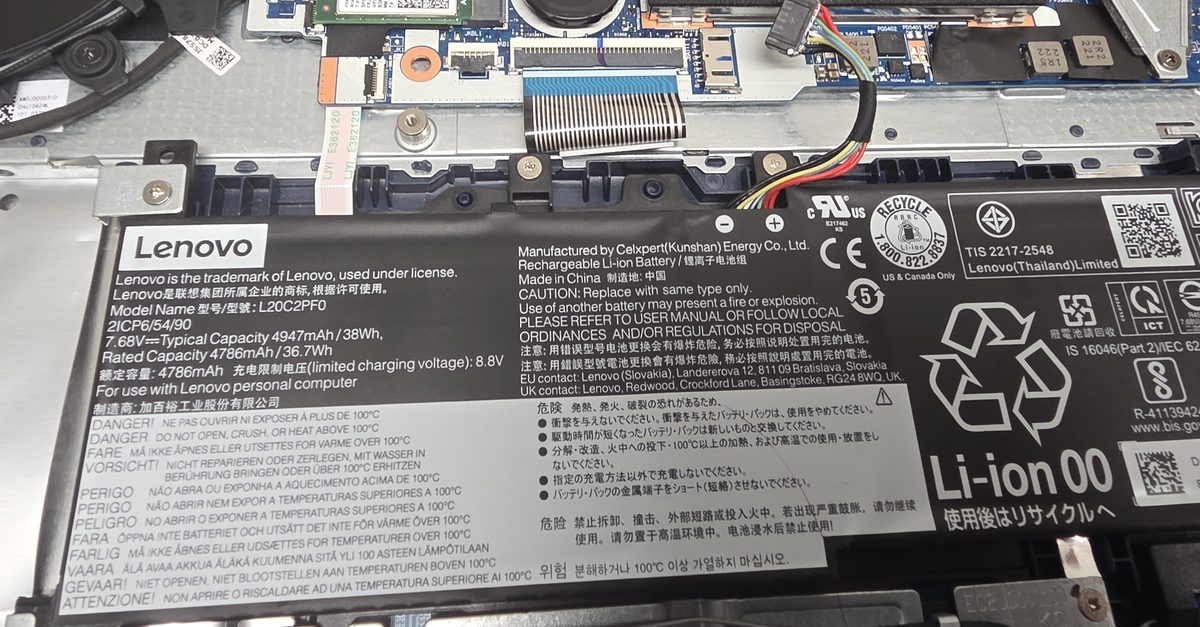
It's a Lenovo IdeaPad 3 (model 15IAU7, built in 2022), and the owner expected the battery had failed. I quoted for a new battery, but said I'd test the rest of the laptop before ordering one. The battery was one of three faults, and swapping it on its own would have sent the laptop home exactly as dead as it arrived.
What the orange charging light means
On an IdeaPad the light next to the charging port is the charge indicator, and orange means the charger is connected and the laptop thinks it's charging. So the charger was fine and power was getting onto the board. Something after that point wasn't doing its job.
The power button wasn't pressing anything
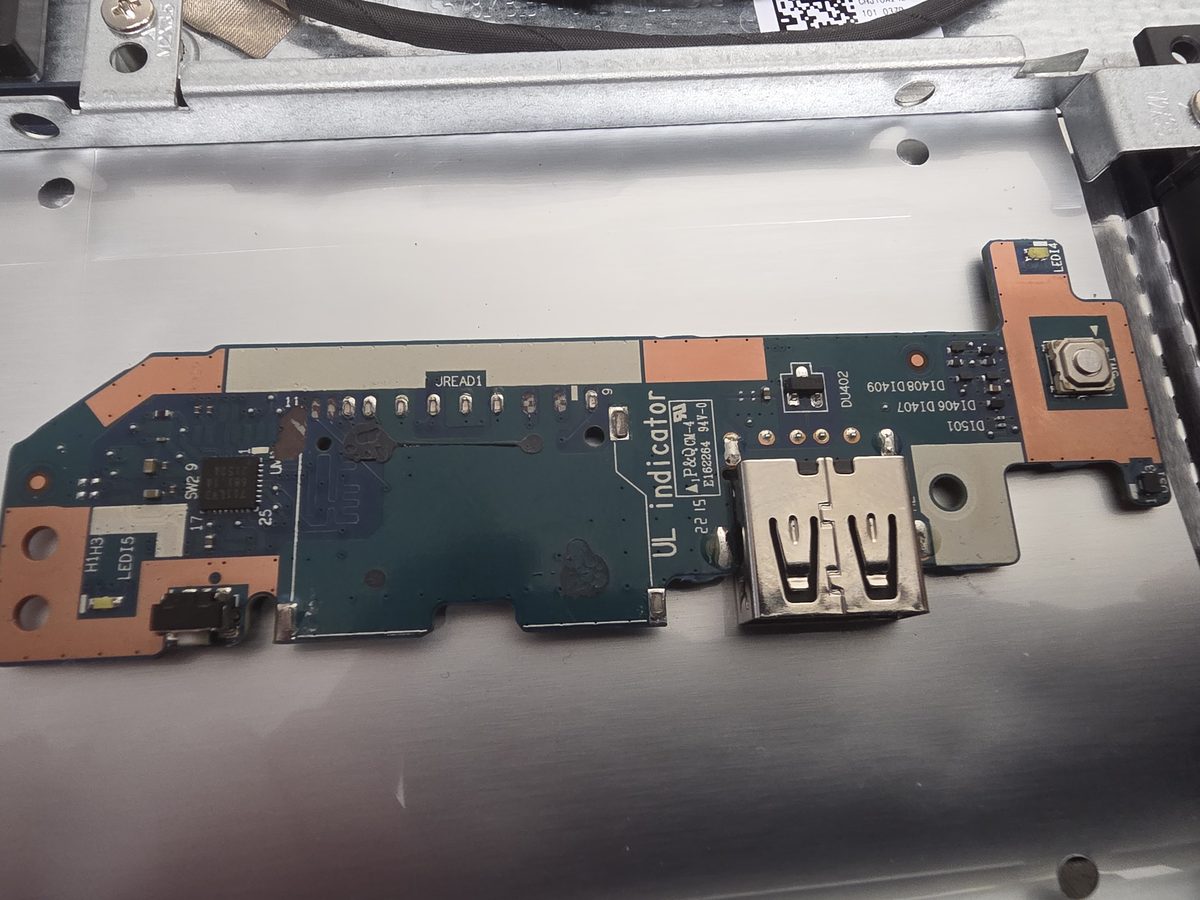
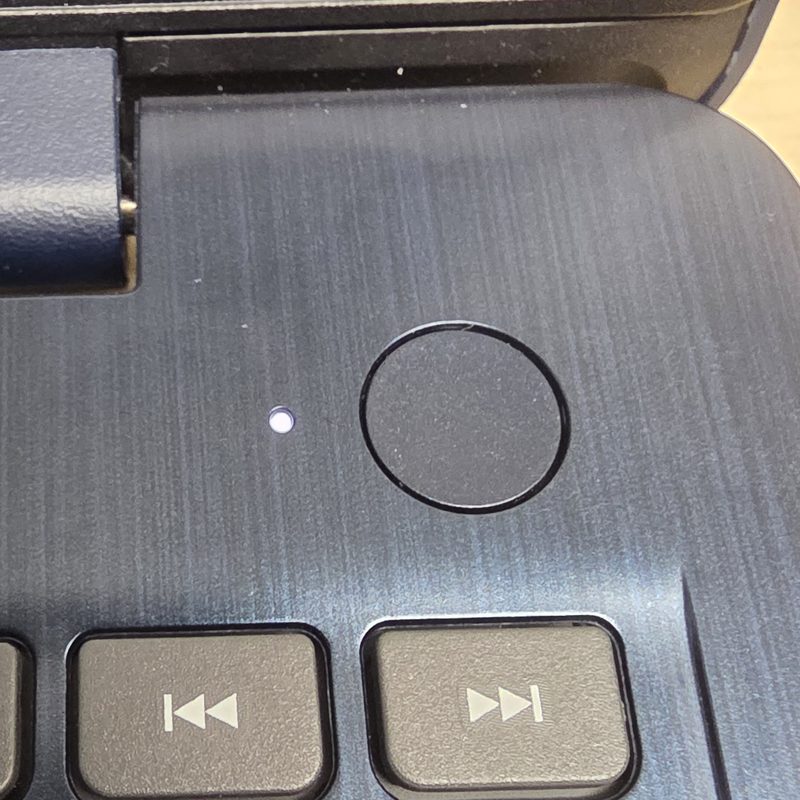
The power button on this model is the round one above the number pad. Underneath it, on a small board that also carries a USB port, is a tiny tactile switch. Press the button and a plastic plunger pushes down on that switch.
This button had shifted and was sticking. You could press it and feel it move, but it was landing off to one side and never clicking the switch, so pressing it did nothing.
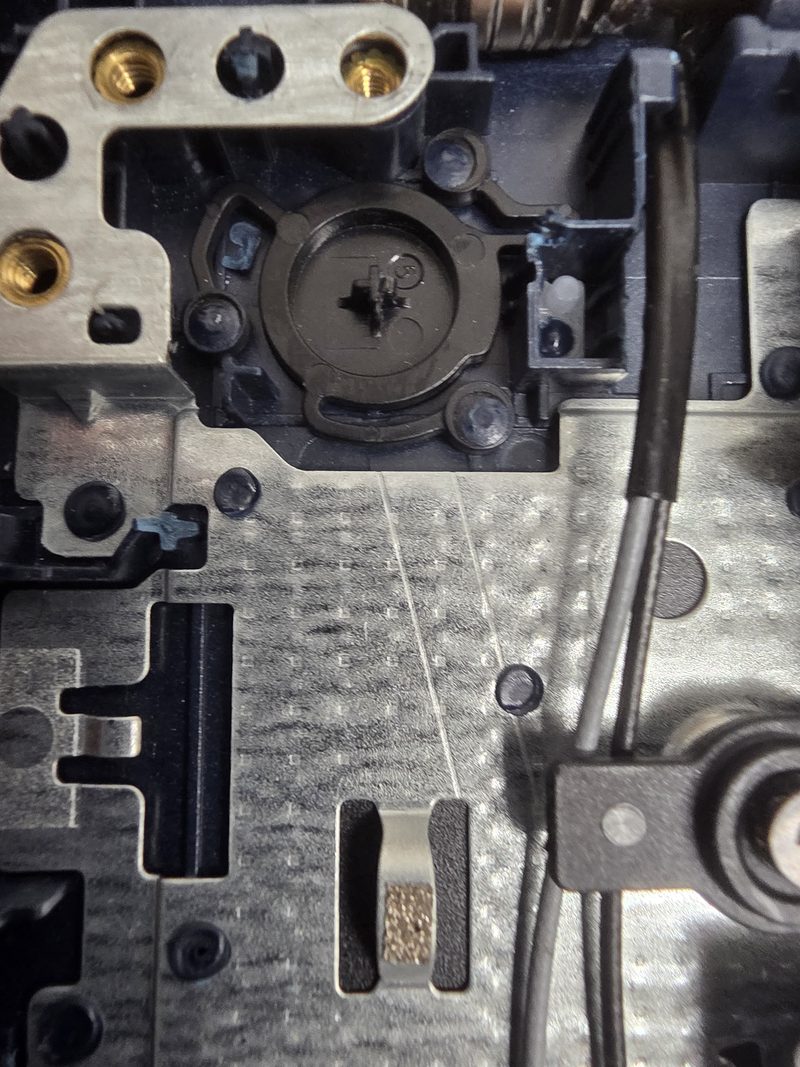
I freed it up and realigned it so it sits square over the switch. It clicks properly now.
The lid sensor
Laptops know the lid is shut because there's a magnet in the screen and a sensor in the base that picks it up. If that sensor thinks the lid is closed, the laptop won't wake, or it starts and drops straight back to sleep with the screen off.
On this IdeaPad the sensor is on that same little board as the power button, at the end nearest the hinge. A clean with compressed air and it was reacting to the lid opening and closing again.
The battery
With the button and the lid sensor sorted, I unplugged the battery and tried it on the charger alone. It started. Battery plugged back in and it wouldn't POST: the power light came on and it never got as far as the Lenovo logo.
The battery wasn't swollen, which is what most people worry about with an old laptop battery. It had just stopped working, and instead of sitting there as dead weight it was stopping the whole laptop from starting. This model takes the L20C2PF0, a 38Wh pack. A new one went in and it powered on first time.
Any one of the three faults was enough to stop it starting. A new battery on its own wouldn't have fixed it, because the button still wasn't clicking. Fixing the button on its own wouldn't have either, because the old battery was stopping it from starting.
Noisy fan
The cooling fan was also noisy. The owner thought it might be catching on something, because the noise started around the time the SD card slot on the side got damaged and was taken out.
Nothing was catching. The fan's bearings are on their way out. That's where most laptop fan whine and grinding comes from, and nothing has to be touching the blades for it to happen. It was still cooling the laptop the way it should.
I offered to fit a new fan. But this laptop comes out now and again for a couple of hours at a time, and if the noise didn't bother them there was no real need. They kept the old one. If it gets louder or the laptop starts running hot, a fan swap is a quick job later.
Windows updates and McAfee
It had obviously sat unused for a long while. Windows 11 was still on version 23H2, which stopped getting security updates for Home and Pro editions in November 2025. So I ran every update until it was on 26H2, the current version.
McAfee was on there too, asking for payment to keep running. I took it off and checked that Windows Security, the antivirus already built into Windows, was switched on and up to date. Nobody needs to pay for McAfee on a laptop like this. I wrote about Windows Security and Microsoft Defender recently if you're not sure which one you've got.
After all those updates there were plenty of leftover files, so a disk cleanup cleared them out, and it got the clean and service I give every laptop before it goes home.
If your laptop only shows an orange light
A few things are worth a go before you book it in:
- Leave it on charge for an hour. A battery that's gone completely flat can take a while before the laptop will start.
- Unplug the charger, hold the power button down for 30 seconds, plug it back in and try again.
- Open the lid fully, close it, open it again, then press the button.
- Plug it into a TV or monitor. If a picture appears there, the laptop is running and it's the screen that's the problem. That's a different fault, and I've covered it in laptop screen gone black.
If none of that changes anything, I wouldn't buy a battery online and hope. Sometimes the battery is the only fault. On this IdeaPad it was one of three. There's more on checking a laptop battery's health and computers that won't turn on if you want to dig further.
If you're in Blackbrook, Haydock or anywhere around St Helens and your laptop won't start, get in touch to book it in. I test the whole thing before ordering parts, so you know what it needs before anything gets bought. Faults like these are most of my laptop repair work.

Mark has been fixing computers since the late '90s and went self-employed in 2008. Based in St Helens since 2013, he works evenings and weekends from his home in Laffak, doing friendly, affordable repairs for PCs, laptops, and Macs. See reviews on Google
Laptop won't turn on?
I'll find out what's actually wrong, tell you what it needs, and get it starting again. Message me to book a time to drop it off.
★★★★★"Can't recommend highly enough. Customer service is superb and he fixed my laptop when I thought it was ready for the bin."
— John Dearden, via Google