Microsoft Defender or Windows Security? A Surface Pro 9 Repair in St Helens
A Surface Pro 9 came in from Dentons Green running very slowly. Its owner had already done the sensible first thing: he'd uninstalled an old copy of McAfee whose subscription had run out but was still installed, running in the background and slowing things down. That helped a bit.
He'd tried another local repair shop before me, and they'd told him they don't touch Surfaces. Surfaces do have a reputation for being awkward to open up, but nothing here needed a screwdriver. It was all Windows.
Then a new problem. Windows Security wouldn't work properly. So he went to the Microsoft Store, found an app called Microsoft Defender, and tried to get that going instead, because surely that's the antivirus.
It isn't. And he's far from the first person to make that mistake, because Microsoft has made it very easy to make.
The quick answer
Windows Security is your antivirus. It's built into Windows 10 and 11, it's free, and it's already on your PC. You don't download it from anywhere. Open the Start menu, type Windows Security, and there it is.
The Microsoft Defender app in the Store is something else. It comes with a Microsoft 365 Personal or Family subscription, and on a Windows PC it doesn't add any antivirus of its own. Microsoft says so plainly: on Windows, the app shows you what Windows Security is doing. It's a dashboard. Handy if you've got a few computers, phones and tablets and want to see them all in one place, and pointless if you're trying to fix a PC whose built-in protection has stopped working.
| Windows Security | Microsoft Defender app | |
|---|---|---|
| What it is | The antivirus and firewall built into Windows | An overview app for your devices |
| Cost | Free, part of Windows 10 and 11 | Needs Microsoft 365 Personal or Family |
| Where it comes from | Already installed | Microsoft Store, App Store, Google Play |
| Scans for viruses on Windows? | Yes | No, it uses Windows Security's results |
| Phones and Macs | Windows only | Yes, and on Android and Mac it does include its own antivirus |
Why everyone mixes them up
Blame the names. For years the antivirus built into Windows was called Windows Defender, and plenty of people still call it that. In 2018 Microsoft renamed the app Windows Security. In 2020 the antivirus engine inside it became Microsoft Defender Antivirus. Then in 2022 Microsoft released a separate app and called it, of course, Microsoft Defender.
So you've got the old name, the new app name, the engine name, and a different product using almost the same name. It comes up with customers a lot.
What was actually wrong with this Surface
Uninstalling McAfee from Settings had left Windows Security half-working. That's common. Antivirus programs dig deep into Windows, and the normal uninstaller doesn't always take everything with it. Leave enough behind and Windows can still think another antivirus is installed, so its own protection stays switched off.
First I ran McAfee's own clean-up tool, the McAfee Consumer Product Removal tool (MCPR), which exists for exactly this. It cleared what it could find, but Windows Security still wasn't right. Next came the usual repair commands, run from an administrator Command Prompt:
sfc /scannow, which checks Windows' own files and replaces damaged onesDISM /Online /Cleanup-Image /RestoreHealth, which repairs the copy of Windows that sfc fixes things from
Neither sorted it, and nor did a few other things I tried. At that point you can spend hours chasing registry entries and services, or you can start clean. On a machine that was also running slowly, a fresh start was clearly the better call.
Back up first, then wipe
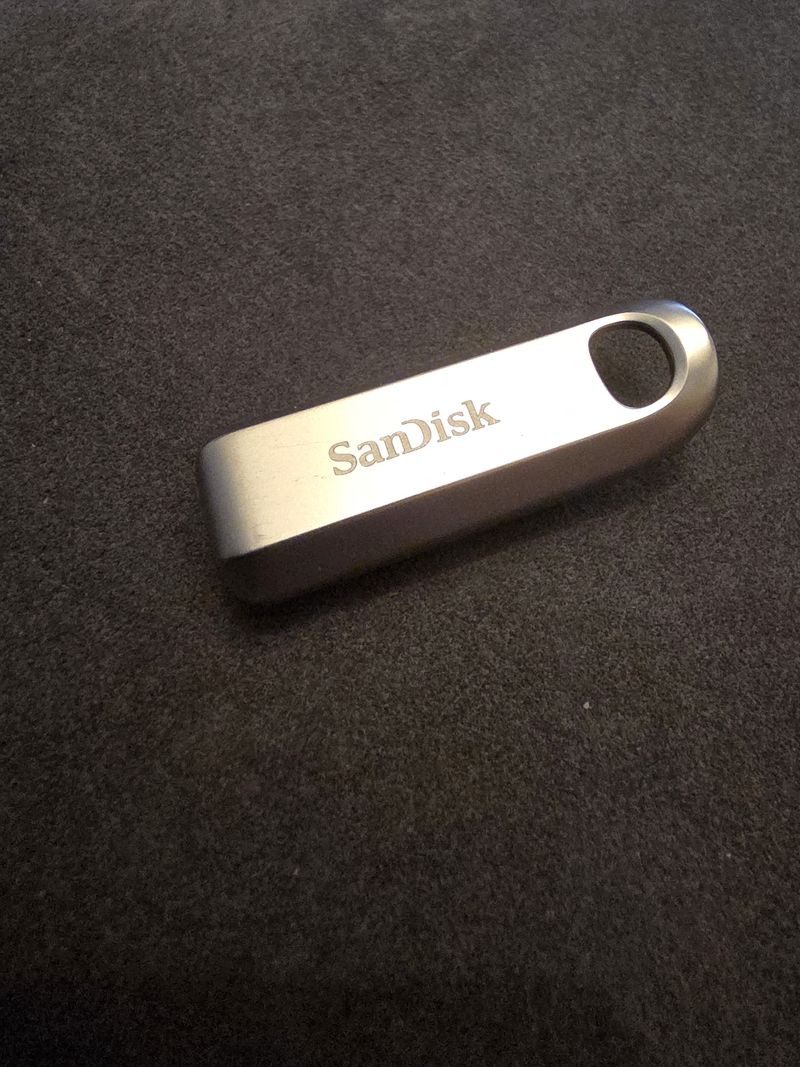
Before touching anything I backed up all of his files to a USB stick. The thing he cared about most was his OneNote notebooks, so I made sure every one of those was on the stick and opened properly before going any further.
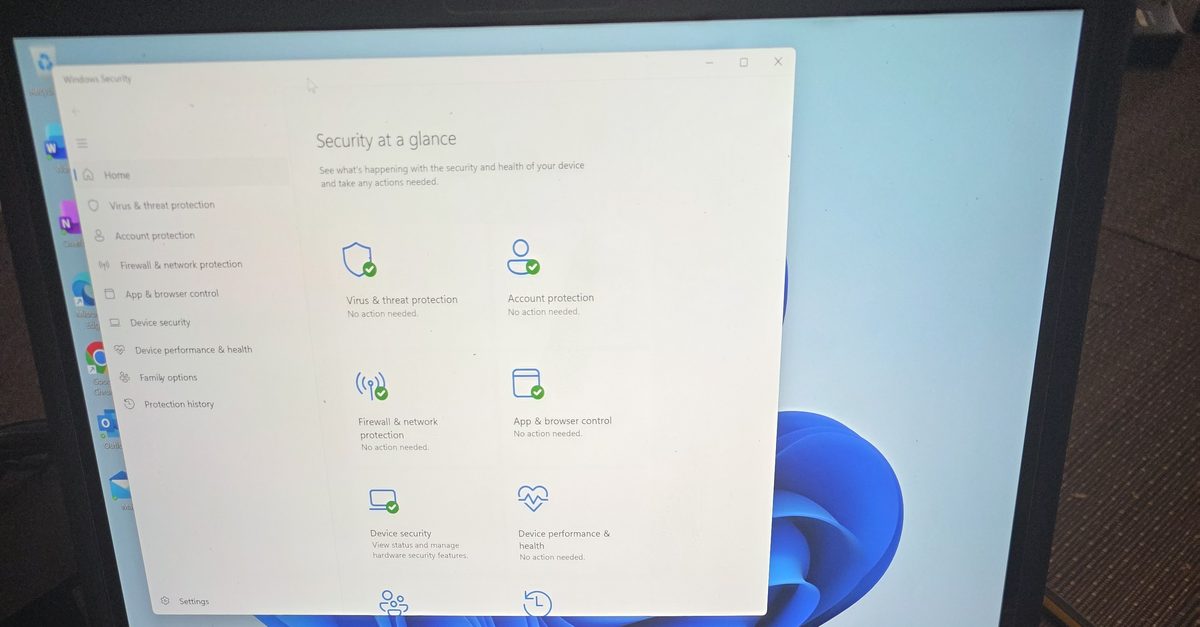
Then I wiped the Surface, set Windows up from scratch and put all his files back. Windows Security came up with every section ticked green, which is the photo at the top of this post, and there was no McAfee left anywhere because there was nothing left of the old install at all.
He'd never need the Microsoft Defender app for that. Windows Security does the job on its own.
If Windows Security won't turn on after removing McAfee
This one needed a reset, but that's the last resort. Try these in order:
- Run McAfee's own clean-up tool, the McAfee Consumer Product Removal tool (MCPR), from McAfee's support site. It removes the leftovers the normal uninstaller misses. Restart afterwards. Norton has its own equivalent, the Norton Remove and Reinstall tool.
- Open Windows Security, go to Virus & threat protection and check Real-time protection is on.
- If it still won't behave, open Command Prompt as administrator and run
sfc /scannow, thenDISM /Online /Cleanup-Image /RestoreHealth. - If none of that works, back everything up and reset Windows. Settings, System, Recovery, Reset this PC.
Don't install the Microsoft Defender app hoping it'll fix things. It won't, and if you don't have Microsoft 365 it'll just ask you to pay.
Whether you need a paid antivirus at all is a separate question. For most people the answer is no, and I've gone through why in do you need antivirus.
If your PC's protection has stopped working, or you've removed an old antivirus and things haven't been right since, I can sort it. I'm based in St Helens and do this kind of clean-up as part of my virus removal work.

Mark has been fixing computers since the late '90s and went self-employed in 2008. Based in St Helens since 2013, he works evenings and weekends from his home in Laffak, doing friendly, affordable repairs for PCs, laptops, and Macs. See reviews on Google
Windows Security not working?
I'll clear out old antivirus leftovers, get your protection back on, and only reset Windows if it really needs it. Message me to book it in.
★★★★★"Great service, same day repair carried out. Will definitely use Mark again if required."
— mal mclellan, via Google