HP OMEN 30L Gaming PC Service and a Full 256GB C Drive in St Helens
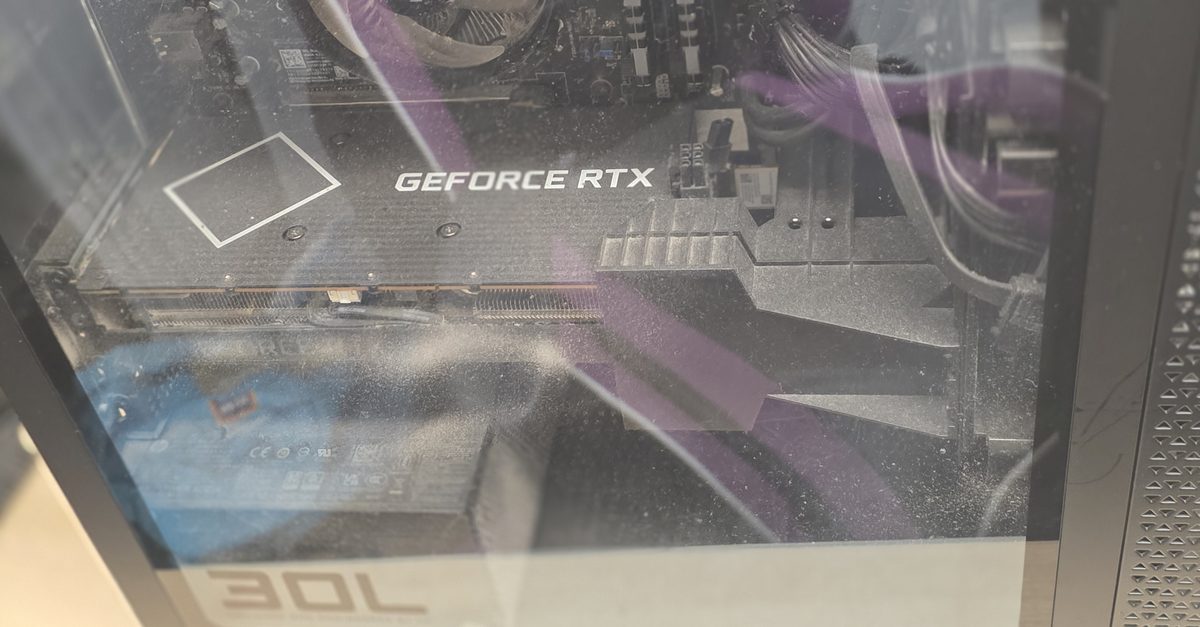
An HP OMEN 30L in for a service
This HP OMEN 30L came in for a service. Nothing was broken. The owner games on it, likes tinkering with game mods and does some development work on it too, and wanted it cleaned out and checked over before upgrading the RAM.
The OMEN 30L is HP's mid-size gaming tower, sold from around 2020 with either Intel or AMD processors and an Nvidia RTX graphics card. HP built a lot of different versions of it. Most came with 16GB of HyperX RAM (two 8GB sticks), like this one, and the cheaper versions came with a 256GB SSD for Windows plus a second drive for storage. This one had the 256GB SSD as its C drive, and that turned out to be the bigger problem.
Dust inside the case
You can see the dust on the inside of the glass in the photo above. Fans pull air in through the front of the case and push it out the back and top, and the dust in that air settles on everything along the way: the glass, the shroud over the power supply, the fan blades and the fins of the CPU cooler.
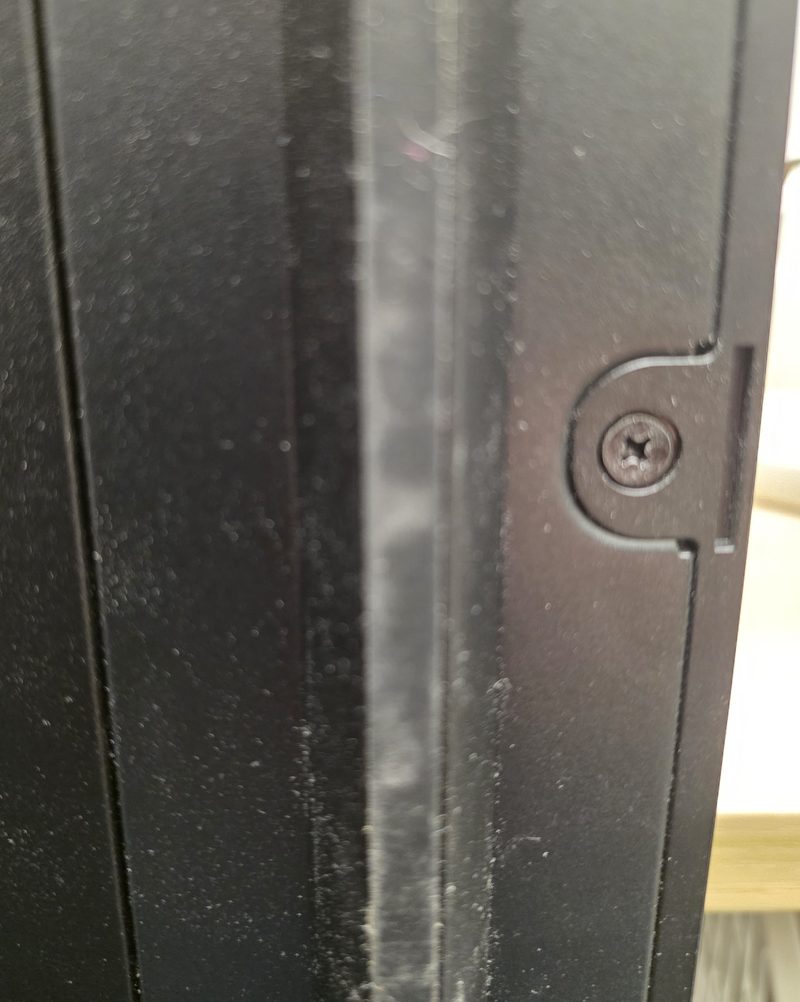
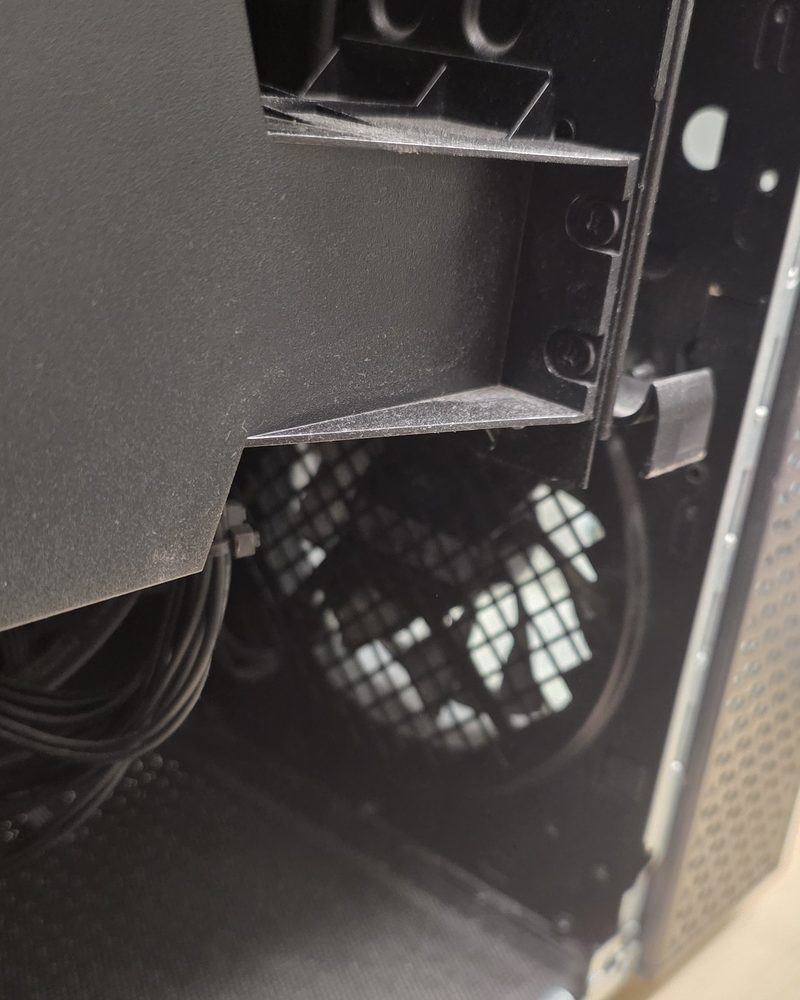
With the glass and the other side panel off, I blew it all out with compressed air. That covers the CPU cooler, the graphics card, the case fans, the power supply and the gaps round the cables where dust sits.
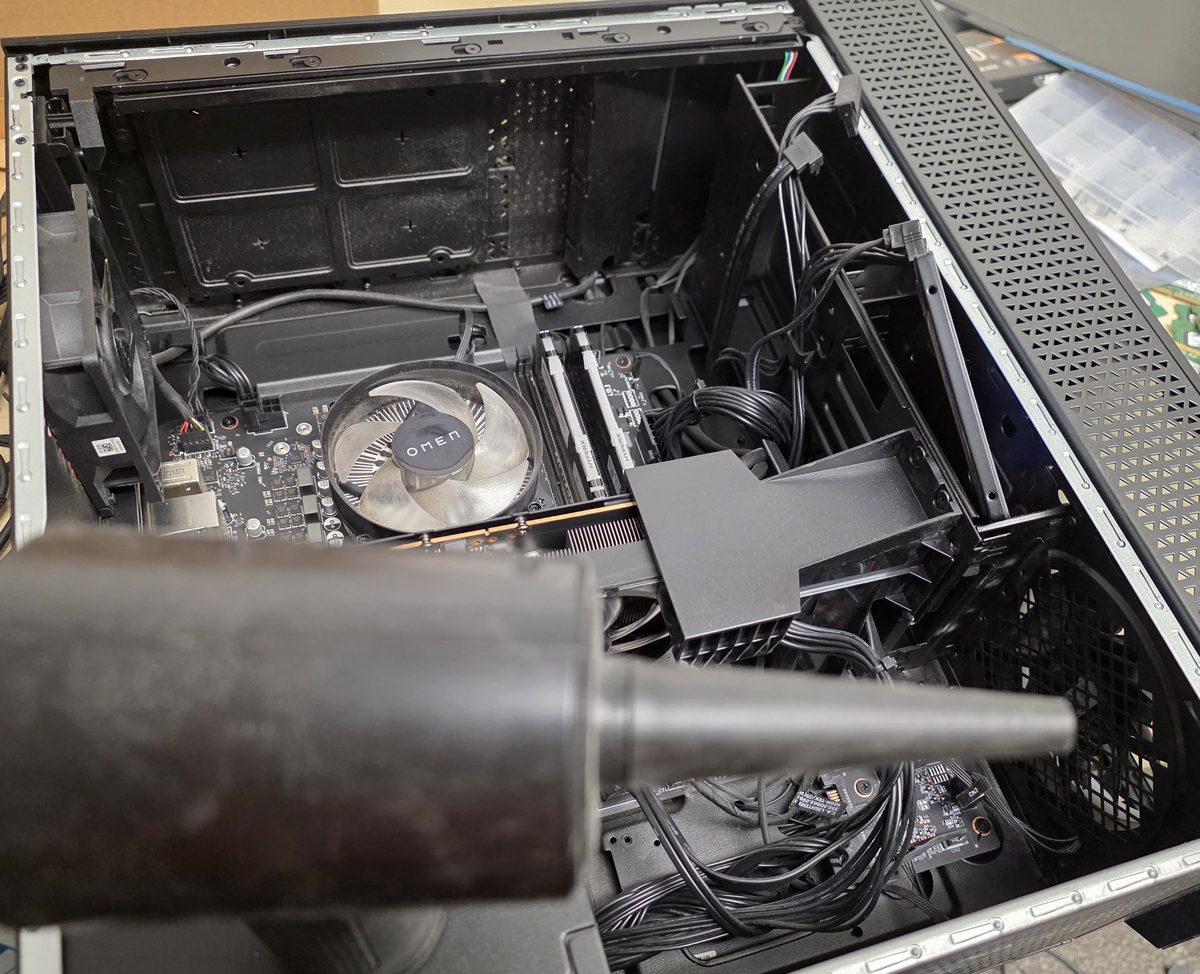
A gaming PC pulls a lot of air through it, so a clean once a year or so keeps the temperatures and the fan noise down.
The C drive was almost full
256GB sounds like plenty until you take off what Windows needs. Windows itself, its updates, the page file and the hibernation file use a big chunk before you've installed anything. Add a few games and it fills up fast.
For someone who mods games and writes code, it's worse. A lot of the tools you'd use install to C by default and keep their own caches there. Mod managers keep downloaded mods and staging folders, the Steam shader cache grows, and developer tools pull in SDKs, packages and caches that quietly add up to tens of gigabytes. None of it is a problem on a 1TB drive. On 256GB it all competes for the same space as Windows.
A nearly full C drive causes real trouble. Windows needs free space to download and install updates, and when there isn't enough they fail or never get offered. I wrote about that in Windows not getting updates. Games that patch themselves can fail to update too, and the PC just generally gets slower.
What I moved and cleared
The PC already had a second drive with room on it, so I moved some of the software over to that. Some programs can be moved from Settings, under Apps. Others have to be uninstalled and reinstalled to the other drive, or need their library folder pointed somewhere else in their own settings. Steam, for example, lets you add a library on another drive and move games across without downloading them again.
Then I cleared out old log files and temporary files that had built up over the years. Windows and a lot of programs write logs and temp files and never clean up after themselves. It wasn't anything the owner would miss, and it freed up a decent chunk of the drive.
That got the C drive back to a sensible amount of free space. It's a fix for now, though. With the way this PC gets used, it'll fill up again.
Upgrade the SSD before the RAM
The owner was planning to go from 16GB to 32GB of RAM. That's fine, and if you're modding heavily or running development tools while a game is open, 32GB does help. But I told them I'd do the C drive first, going from 256GB to 512GB or, better, 1TB.
Running out of RAM makes the PC slower. Running out of space on C stops updates installing and stops things working. On this PC the drive is the thing that's going to cause problems first.
A drive upgrade doesn't mean starting again. The old 256GB SSD can be cloned onto the new one, so Windows, the programs and the settings all come across as they are. The old SSD can then go back in as extra storage, or be kept as a spare. When the RAM upgrade does happen, I'd go for a matched 2x16GB kit instead of adding two more sticks alongside the 8GB ones, because mixed kits don't always run at their full speed together.
If your C drive keeps filling up
Open Settings, then System, then Storage, and Windows will show you what's using the space. Storage Sense can clear temporary files automatically. Check where your biggest games and tools are installed, and if you've got a second drive, set new installs to go there. If the PC only has a small SSD and you use it for games, a bigger drive is usually the most useful upgrade you can buy for it.
If you're in St Helens or nearby and your gaming PC needs a clean, a check over or an upgrade, get in touch to book it in. Services and upgrades like this are part of my gaming PC repair work.

Mark has been fixing computers since the late '90s and went self-employed in 2008. Based in St Helens since 2013, he works evenings and weekends from his home in Laffak, doing friendly, affordable repairs for PCs, laptops, and Macs. See reviews on Google
Gaming PC due a service?
I'll clean it out, check it over and tell you honestly what's worth upgrading. Message me to book a time to drop it off.
★★★★★"great communication & works super fast (i was shocked!) got everything sorted out with my pc"
— Cam, via Google