Bought a Used Laptop and It Says It's Managed by an Organisation?
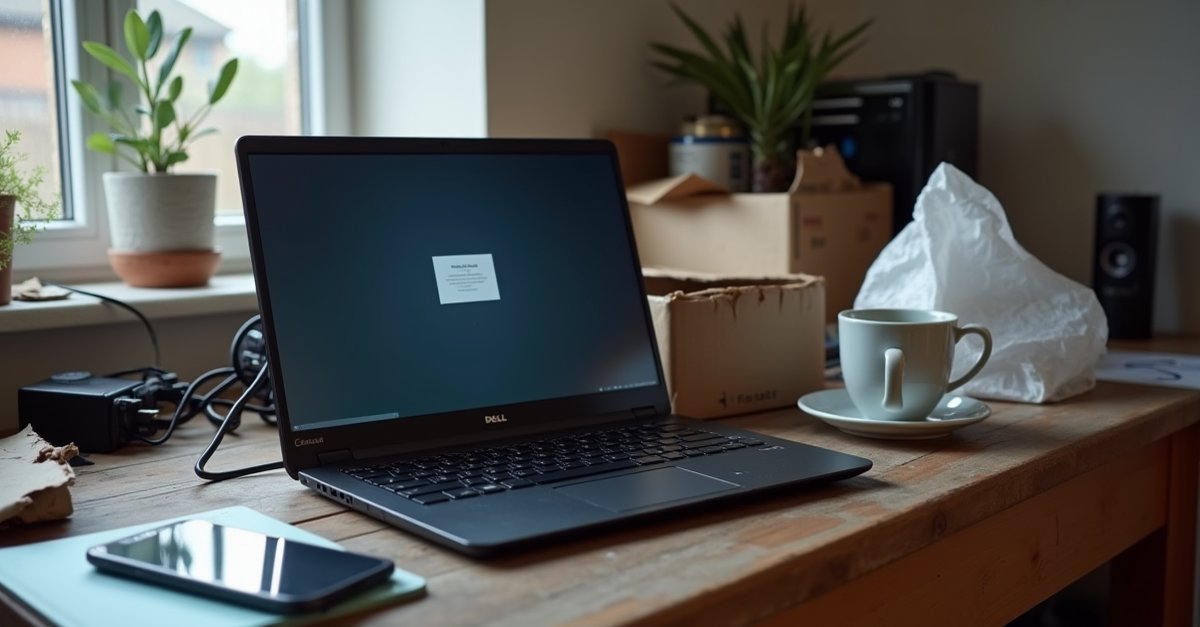
Ex-business laptops are some of the best value around. A three-year-old Dell Latitude, Lenovo ThinkPad or HP EliteBook was built to be thrown about by sales reps, and it'll usually outlast a brand new £350 laptop from a supermarket shelf. Companies replace them in bulk, refurbishers wipe them, and they turn up on eBay, Facebook Marketplace and refurb sites for a fraction of the original price.
Most of the time that goes fine. Sometimes, though, you switch it on, pick your country and keyboard layout, connect to the Wi-Fi, and Windows asks you to sign in with a work or school account. Sometimes the company's name is right there on the screen. On a MacBook it's a screen headed Remote Management, saying some organisation can automatically configure your Mac.
You don't have a work account for that company. You've never heard of them. And there's no button to skip it.
What's going on
Bigger companies don't set laptops up by hand any more. They register each machine with Microsoft (the system is called Windows Autopilot) or with Apple (Apple Business Manager), so that a new starter can take a laptop out of the box, connect to the internet, and have it set itself up with all the company's settings and software.
That registration is tied to the laptop's hardware, not to whatever's on the drive. It lives on Microsoft's or Apple's servers. So every time the laptop is reset and goes online during setup, it checks in, finds it still belongs to the company, and heads straight for the company sign-in.
When the company got rid of the laptop, someone was supposed to remove it from that list. Someone didn't.
How it actually gets fixed
Only the organisation that registered it can properly release it. Their IT department deletes the device from their Autopilot or Apple Business Manager list, and next time it's reset, setup runs normally.
So the route is back up the chain. If you bought from a refurbisher or an eBay trader, message them, tell them it's still enrolled, and say you'd like it released or a refund. A decent refurbisher deals with this regularly and will have a contact at whoever they bought the batch from. If you bought it from a private seller, ask them where they got it. Sometimes it was their old work laptop and one email to their former IT team sorts it.
Don't count on Microsoft or Apple doing it for you. Apple in particular won't remove a Mac from someone else's organisation.
What about the workarounds?
On Windows you can often get past the screen by setting the laptop up with no internet connection and making a local account. The laptop works. But the registration is still there, so the next time Windows is reset, or sometimes after a big update, the company screen comes back. Microsoft has also been closing off the offline setup routes in newer versions of Windows 11, so a trick that works today might not next year.
It's fine as a stopgap while you chase the seller. I wouldn't buy a laptop counting on it.
On a Mac the workarounds are worse. Skipping Remote Management leaves a laptop that still believes it belongs to someone else, and that tends to come back to bite. Get it released or send it back.
Two more locks that catch people out
The enrolment screen is the one that gets noticed, because you hit it straight away. These two can hide for longer.
A BIOS or supervisor password
The BIOS is the settings screen you get into before Windows starts, usually by tapping F2, F1, F10 or Delete while the laptop powers on. Company IT departments often lock it with a supervisor password. You might not notice until you try to boot from a USB stick or change a setting and it asks for a password nobody gave you.
On a cheap home laptop that password can often be cleared. On business ThinkPads, EliteBooks and Latitudes it's usually stored in a security chip on the motherboard, and taking the little round battery out does nothing. Clearing it properly can mean going through the manufacturer, and in the worst case a new motherboard. That's a lot of money on a laptop that was supposed to be a bargain.
Computrace or Absolute
Lots of business laptops have an anti-theft tracker built into the BIOS, sold as Computrace or Absolute. If the old company's subscription is still active, it reinstalls its software after every wipe and can, in some cases, be used to lock the machine. Look in the BIOS security settings. Disabled, or Enabled but not Activated, is fine. Activated means someone still has a live hold on that laptop.
What to check before you hand over any money
If you're buying in person, this takes ten minutes and it's worth the awkwardness.
- Switch it on yourself and tap the BIOS key as it starts. If it asks for a password just to get in, walk away.
- Find the security section in the BIOS and look for Computrace or Absolute. You want Disabled or Not Activated.
- If it boots into Windows, go to Settings, Accounts, Access work or school. There shouldn't be anything connected there.
- On a MacBook, open System Settings, General, Device Management. It should say no profiles are installed. Also check the seller has signed out of their Apple ID, otherwise Activation Lock will stop you setting it up.
- Check the serial number on the bottom matches the one in the BIOS or in System Settings. If they're different, parts have been swapped or the case isn't what it claims.
You can't easily check Autopilot enrolment without resetting the laptop, which the seller isn't going to let you do in a Costa. So for ex-business machines, buy from someone who'll take it back. Some eBay sellers now state in the listing that the laptop is BIOS unlocked and not MDM enrolled. That's the seller you want.
There's one more uncomfortable possibility. A business laptop that's still enrolled and still has Computrace activated might not have been retired at all. It might have walked out of an office. If the seller gets vague when you ask where it came from, take the hint.
Still worth buying?
Yes. I'd still pick a good ex-business laptop over most new budget ones, and with Black Friday this week plenty of people will be weighing up the same choice. Buy from a seller with a returns policy, run the checks above, and set it up as soon as it arrives so any problem shows up inside the return window rather than three months later.
If you're selling a laptop yourself, I've also written about what to do before you sell or give away a PC, which saves the next person all this.
If you've already bought one that's stuck, or you'd like it checked over before your money's gone, I'm based in St Helens and can tell you quickly whether it's a seller problem or something I can sort. It's the kind of job I do as part of my laptop repair work.

Mark has been fixing computers since the late '90s and went self-employed in 2008. Based in St Helens since 2013, he works evenings and weekends from his home in Laffak, doing friendly, affordable repairs for PCs, laptops, and Macs. See reviews on Google
Second-hand laptop stuck on setup?
I'll check for enrolment, BIOS locks and trackers and tell you straight whether it can be sorted or should go back. Message me to book it in.
★★★★★"I contacted Mark because I needed a second hand laptop and he found me one within my price range within days, he downloaded what I needed keeping from my old one at no extra cost. Mark checked on me to see if everything is ok with it and said to let him know if I have any problems. I have recommended him to friends and family and will definitely use him if I need in the future."
— Pauline Hodges, via Google