How Much Does Your PC Actually Cost to Run?
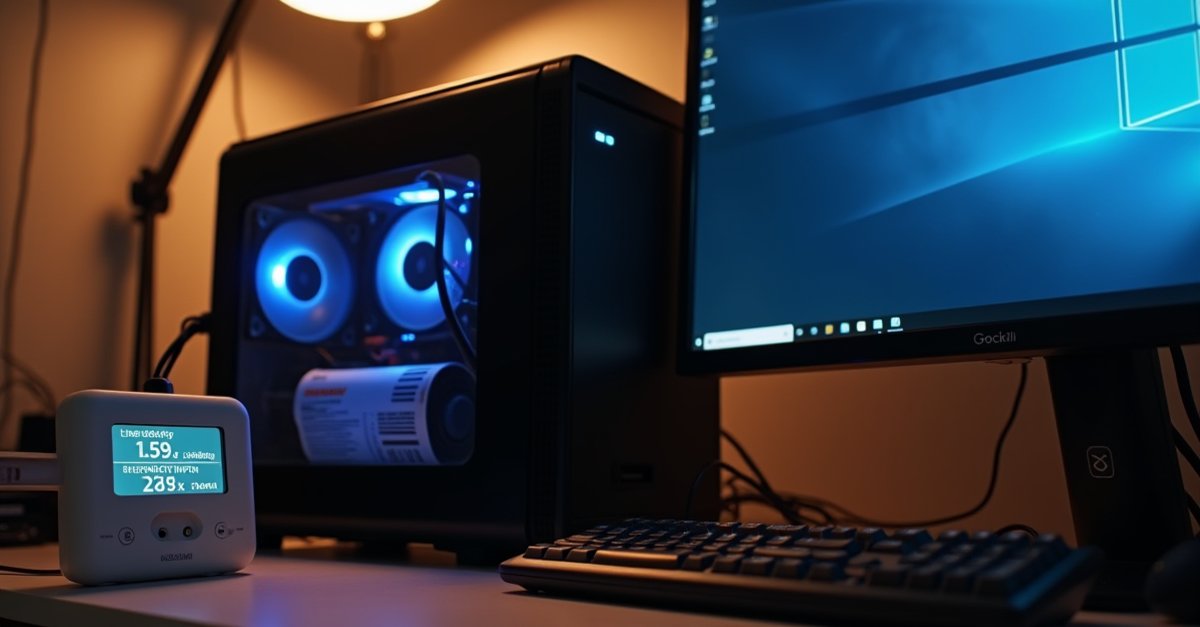
Energy bills go up again from October. The Ofgem price cap is now £1,723 a year for a typical household, and electricity sits at 26.32p per kilowatt hour. People keep asking me whether their PC is costing them a fortune to run, especially the ones with gaming rigs that sound like a hairdryer under load.
So I plugged a few machines into a watt meter this week and wrote down what they actually draw. The numbers might surprise you, depending on what you're running.
The short version
| Machine | Idle | Busy | Per year* |
|---|---|---|---|
| Laptop (ultrabook, e.g. Dell XPS 13) | 8W | 35W | ~£15 |
| Laptop (bigger, e.g. HP Pavilion 15) | 12W | 65W | ~£25 |
| Office desktop (i5, integrated graphics) | 40W | 120W | ~£55 |
| Older desktop (pre-2020, spinning hard drive) | 65W | 180W | ~£80 |
| Mid-range gaming PC (RTX 4060/4070) | 70W | 320W | ~£120 |
| High-end gaming PC (RTX 4080/4090) | 90W | 550W | ~£190 |
*Based on 4 hours a day, 365 days a year, at 26.32p/kWh. Assumes roughly half idle, half active use. Your actual number depends on how long the machine runs and how hard you push it.
The maths, if you want it
It's not complicated. Take the wattage, multiply by the hours you use it per day, divide by 1,000 to get kWh, then multiply by 26.32p.
Say you run a mid-range gaming PC for 4 hours a day. Two hours browsing and chatting at about 100W, two hours gaming at about 320W. That's (2 x 100) + (2 x 320) = 840 watt-hours per day, which is 0.84 kWh. Times 26.32p is 22.1p per day. Over a year, about £80.70.
Not nothing, but it is not going to wreck your bill either. For comparison, a tumble dryer running for an hour uses about the same electricity as a gaming session.
Monitors add up too
People forget about the screen. A standard 24-inch LCD panel draws about 20 to 30 watts. A 27-inch 1440p gaming monitor with higher brightness and refresh rate pulls 35 to 50 watts. Dual monitors, double it.
If you have a 27-inch monitor running 8 hours a day at 40 watts, that is about £31 a year on its own. Two of them, £62. The monitor can cost more to run than the laptop plugged into it.
Standby and sleep
A PC in sleep mode draws 2 to 5 watts. Left sleeping 20 hours a day, that comes to about £3 to £8 a year. Negligible.
Shut down fully, most modern PCs still draw a fraction of a watt for wake-on-LAN and USB keep-alive. We are talking pence per year.
Where it gets wasteful is leaving a desktop running 24/7 but barely using it. An office PC idling all night at 40 watts costs about £25 a year for the privilege of skipping a 30-second boot in the morning. Sleep mode does the same job for next to nothing.
Older machines cost more to run
I measured a pre-2018 desktop this week, one with a fourth-gen i5 and a spinning hard drive. It pulled 75 watts just sitting on the Windows desktop doing nothing. A current machine with an SSD and a 13th-gen i5 drew 38 watts doing the same things.
Older processors were less power-efficient. Spinning hard drives draw 6 to 8 watts each where an SSD draws under 3 watts. Old PSUs lose more energy as heat. It all adds up. If you have a machine from 2016 or earlier that runs all day, it genuinely is costing you more in electricity than a newer one would.
That said, the difference is maybe £30 to £50 a year. Nobody should buy a new PC to save on their electric bill. If the machine works, it works.
The hidden cost: a machine running hot
This is the one that actually matters from a repair perspective. A PC with clogged vents and dried-out thermal paste runs hotter, which means the fans spin faster, which means the processor boosts less efficiently, which means it takes longer to finish tasks, which means it draws power for longer.
I tested this on a customer's laptop last month. Before cleaning, it was thermal throttling within five minutes of load, with the fan at full speed constantly. CPU package power was bouncing between 15W and 28W as it throttled up and down. After cleaning the heatsink and replacing the thermal paste, it held a steady 28W under load with the fan at half speed. Same task that took 12 minutes before cleaning took 7 minutes after.
The electricity difference on a single task is tiny. But over months of the machine working harder than it needs to, it adds up. More importantly, a laptop that runs too hot wears out its battery faster and shortens the life of internal components. The wasted electricity is the least of it.
Gaming PCs: the one everyone worries about
A mid-range gaming rig with an RTX 4060 or 4070 draws around 300 to 350 watts during a gaming session. Played for 3 hours a night, that is roughly a kilowatt hour per session, which works out to about 26p. An evening of gaming costs less than a cup of coffee from Greggs.
The high-end machines are different. An RTX 4090 system under full load can pull 550 watts or more. Four hours of that per day, every day, runs to about 50p a day or roughly £15 a month. Still not dramatic, but if you are on a tight budget and the rig runs all day, it is worth being aware of.
The biggest variable is not the hardware itself. It is how long you leave the machine on. A gaming PC idling on the desktop with Discord open still draws 70 to 100 watts. If it sits there for 12 hours between sessions because nobody bothers shutting it down, the idle time costs more than the gaming. Set it to sleep after 30 minutes of inactivity and you cut the waste almost completely.
If your gaming PC has started drawing more power than it used to, or the fans are running louder than they should, that often points to a cooling problem. I wrote about the common causes in my post on gaming PC stuttering and FPS drops.
The honest answer
For most people, a PC costs somewhere between £15 and £80 a year in electricity. Laptops are cheap to run. Desktops cost a bit more. Gaming rigs cost more again, but not as much as people fear.
The things that actually bump up your energy bill are the ones that run all day: the fridge, the boiler, the immersion heater, the tumble dryer. Your computer, unless you are mining cryptocurrency or rendering video around the clock, is a small part of it.
If you are in St Helens or nearby and your PC is running louder or hotter than it should, a clean and service brings it back to where it ought to be. PC repairs in St Helens, evenings and weekends.

Mark has been fixing computers since the late '90s and went self-employed in 2008. Based in St Helens since 2013, he works evenings and weekends from his home in Laffak — friendly, affordable repairs for PCs, laptops, and Macs. See reviews on Google
PC running louder than it used to?
A good clean and fresh thermal paste usually sorts it. Get in touch and I'll take a look.
★★★★★"Mark Andrews. What a guy. Came and sorted my computers which were a right mess. Worked quickly and without fuss. All working perfectly now and much quicker. Thanks Mark"
— Mark Richardson, via Google