Should You Repair or Replace Your PC? A St Helens Repair Tech's Honest Answer
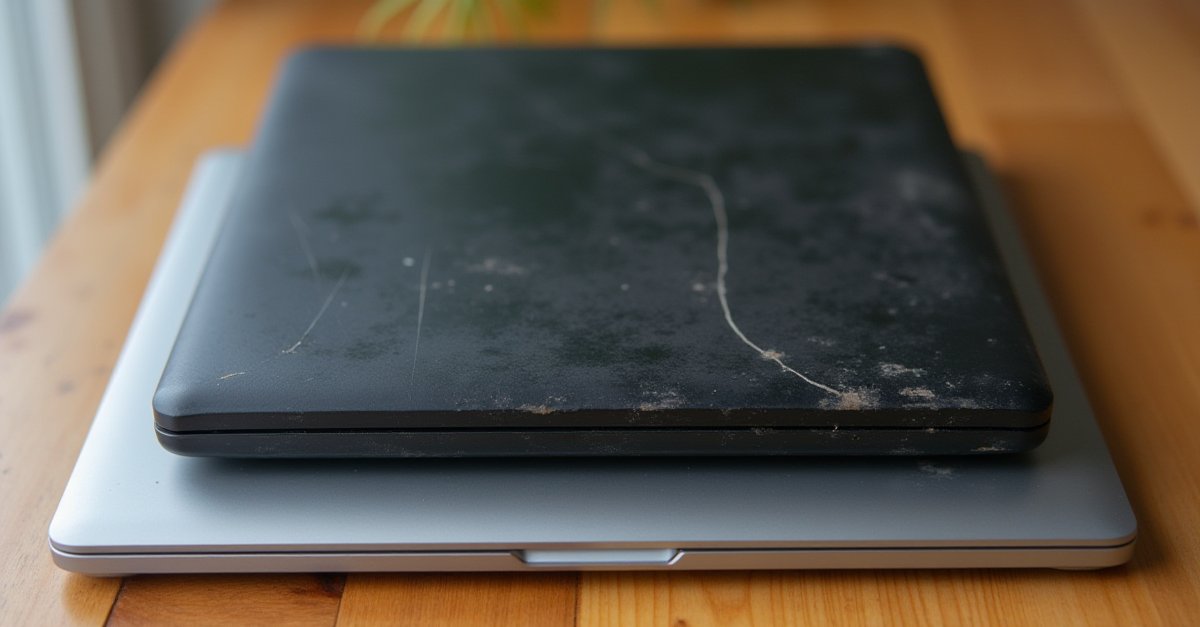
This is the question I get asked more than any other. The PC's playing up, it's getting slow, something's broken, and you're wondering whether it's worth fixing or whether you should just buy a new one.
I've been repairing computers in St Helens since 2008, and I'll always give you an honest answer. Sometimes a repair is the obvious choice. Sometimes it's genuinely better to put the money towards something new.
The Quick Decision Guide
The 50% Rule
A simple rule of thumb: if the repair costs more than 50% of what a decent replacement would cost, replace it. For example, if a new laptop that does what you need costs £400, and the repair would be £250+, you're better off putting that money towards the new machine.
But if the repair is £60–100 on a machine that would cost £400+ to replace? That's a no-brainer, repair it.
Typical Repair vs Replacement Costs
Common Repairs
SSD upgrade, RAM upgrade, power supply swap, virus removal, Windows reinstall, fan/thermal paste
New PC (decent spec)
Laptop or desktop that'll last another 5+ years for everyday use
Most of the repairs I do in St Helens fall well under £150. An SSD upgrade on a slow 4-year-old laptop can make it feel brand new for a fraction of the cost of replacing it. A new power supply in a desktop is usually under £80 fitted. A virus removal and cleanup is typically the cheapest fix of all.
When Repair Is Almost Always the Right Call
It's slow but otherwise fine
A slow PC almost never needs replacing. The most common cause is a traditional spinning hard drive. Swapping it for an SSD is the single biggest upgrade you can make, and the difference is dramatic. I wrote a full guide on how to speed up a slow Windows 11 PC with free fixes to try first.
It's a software problem
Viruses, malware, Windows update failures, driver issues, clashing antivirus software: these are all fixable without replacing any hardware. A software cleanup or Windows reinstall can bring a PC back to life for very little cost.
It just needs more RAM
If your PC grinds to a halt with a few browser tabs and a couple of programs open, it might just need more RAM. Going from 4GB or 8GB to 16GB is a cheap upgrade that makes a big difference, especially on machines from the last few years.
A single component has failed
Power supply dead? Screen cracked? Battery won't hold a charge? Hard drive clicking? These are individual parts that can be replaced. If the rest of the machine is fine, it doesn't make sense to bin the whole thing. Check your laptop battery health if you're not sure about yours.
When It's Time to Replace
It's genuinely old
If your PC is 8+ years old, the processor itself is the bottleneck, and you can't upgrade that without replacing the motherboard, RAM, and often the case too. At that point you're basically building a new PC anyway. Technology has moved on significantly, and even a budget new machine will be noticeably faster.
The repair costs more than it's worth
A laptop motherboard replacement can cost £200–400+ for parts alone. On a 5-year-old laptop, that money is better spent on a new machine with a warranty and modern specs.
It can't run what you need
If your PC can't run the software you need (whether that's the latest Windows, a program for work, or just having enough browser tabs open without freezing) and upgrading RAM or storage won't solve it, it's time.
Multiple things are failing
If the hard drive is dying, the battery is swollen, the screen has dead pixels, and it's slow on top of all that, the total repair cost is going to approach or exceed the cost of a replacement. That's a clear signal.
What About Buying Second-Hand?
Refurbished business laptops (Dell Latitude, Lenovo ThinkPad, HP EliteBook) are genuinely excellent value. Businesses replace them every 3–4 years and they're built to a much higher standard than consumer laptops. You can pick one up for £150–250 with an SSD and decent specs, far less than a new machine of equivalent quality.
Just make sure it comes from a reputable refurbisher with a warranty, not a random eBay listing with no returns.
Not sure which camp yours falls into? Bring it to me or drop me a message. I do computer repair in St Helens and I'll always give you a straight answer on whether it's worth the money.

Mark has been fixing computers since the late '90s and went self-employed in 2008. Based in St Helens since 2013, he works evenings and weekends from his home in Laffak — friendly, affordable repairs for PCs, laptops, and Macs. See reviews on Google
Not sure whether to repair or replace?
If you're in St Helens, Eccleston, Rainhill, or anywhere in the surrounding areas, bring it to me or get in touch. I'll diagnose the problem, give you a repair cost, and tell you honestly whether it's worth fixing. No pressure, no upselling.
★★★★★"This guy is a wizard! Fixed my laptop within 2 days after being told by another person that it was beyond repair, would 100% recommend this guy! Thank you so much!!"
— Nathan, via Google