Scam Alert: Fake TV Licensing Emails and the Nationwide Fairer Share Con
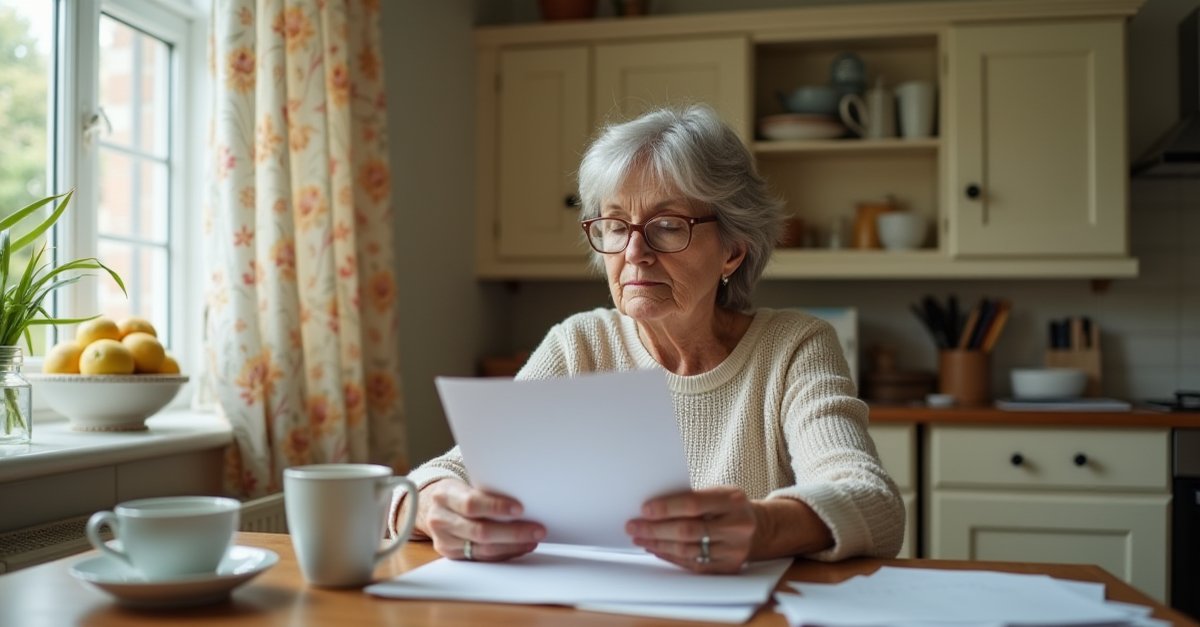
Action Fraud received 6,307 reports about fake TV Licensing emails in the space of two weeks. That is not a trickle. That is a campaign, and it is still going.
Which? flagged the wave on 4 August, and a second one three days later aimed at Nationwide members. Both scams work the same way underneath: they take something real and true, then bolt a payment page onto the end of it. Here's what each one looks like.
1. The fake TV Licensing email
The subject lines vary. Some say your licence expires today. Some say there's a problem with your payment. Some go the other way and tell you you're owed a refund, which catches people who'd never fall for a threat but will happily click for money back.
Click through and you land on a copy of the TV Licensing site that wants your name, date of birth, address, account number, sort code, card number and CVV. That is not a payment form. That is a shopping list.
The tell is the greeting. Genuine TV Licensing emails include your name and part of your postcode, because they have both on file. Scam emails have neither, because all the sender bought was your email address. If the email opens with something generic and never once uses your name, close it.
Real emails come from donotreply@tvlicensing.co.uk or donotreply@spp.tvlicensing.co.uk. Tap the sender name on your phone to see the actual address behind it, not the display name, which anyone can set to anything. The standard colour licence is £180 a year for 2026-27, so a demand for some odd figure you don't recognise is worth a second look on its own. The Star covered the warning in more detail.
If you're genuinely unsure, sign in to your TV Licensing account by typing the address in yourself. Your licence status is right there. It takes thirty seconds and it settles it.
2. The Nationwide "Fairer Share" payment scam
Nationwide paid £100 to over four million eligible members this year. It was in the papers, people talked about it, and plenty of members are still not sure whether they got theirs. Perfect conditions for a scam.
So the emails have started. Claim your Fairer Share Payment. Confirm your details to release your payment. Verify your account before the deadline. All of it fake, all of it pointing at a page that wants your banking login or card details.
There is no application process for the real thing. Nationwide works out who qualifies and pays the money into the account. No form, no claim, no confirmation step, no deadline. Any message asking you to do something to receive it is a scam, full stop. You don't need to check anything else about the email. That one fact is enough.
There's a phone version too, with someone claiming to be from Nationwide's fraud team. If you're on a call and it feels off, open the Nationwide app while still on the line. The Call Checker tile tells you whether you are actually speaking to Nationwide. If it says you're not, hang up mid-sentence. You owe a scammer nothing, least of all politeness.
Nationwide's own guidance on this is at nationwide.co.uk, and Which? has been tracking both waves on its scam alerts page.
159, which connects you to your own bank on a line you opened yourself. These scams only work if you travel by their road.
If It's Already Happened
These catch sensible people on busy days. Nobody who's been caught by one was being daft, they were being interrupted. If you've clicked through and entered anything, move now rather than tomorrow:
- Ring your bank on the number on the back of your card, or dial
159. Tell them exactly which details you handed over so they can watch the right things. - Change the password on any account you logged into, and anywhere else you've reused it. Do your email account first, because that's what an attacker uses to reset everything else.
- Turn on two-factor authentication where it's offered, so a stolen password on its own gets nobody anywhere.
- If you let anyone remote onto your computer, unplug it from the internet and get it checked before you log into anything sensitive. Remote access software left running is a door that stays open.
- Keep an eye on your statements for the next month or so. Small odd payments often come before big ones, because they're testing whether the card works.
How to report it
- Suspicious emails → forward to
report@phishing.gov.uk - Suspicious texts → forward free to
7726 - Scam website → report at ncsc.gov.uk
- Money lost or fraud in progress → Action Fraud on
0300 123 2040
Forwarding one email feels like nothing. It isn't. The 6,307 figure exists because thousands of people took ten seconds to send one on, and that's the data that gets fake sites pulled down and gets the sender addresses into the filters before the next batch goes out.
If someone had access to your machine, or you've been talked into installing something, get it looked at before you log into your bank again. I do virus removal and security checks in St Helens, and it's worth an hour of somebody's time to know what they actually got to rather than guessing.

Mark has been fixing computers since the late '90s and went self-employed in 2008. Based in St Helens since 2013, he works evenings and weekends from his home in Laffak — friendly, affordable repairs for PCs, laptops, and Macs. See reviews on Google
Think you've been scammed? Or had someone on your PC?
If you've let someone remote in, installed dodgy software, or just want your PC checked over — get in touch and I'll have a proper look.
★★★★★"Absolutely fantastic service from Local Computer Guy, I was unable to help my grandparents with their computer issues after an unfortunate issue with a scammer and potential virus being installed on their machine. After a quick call I knew they were in good hands. Arrived on time and quickly wiped the machine and made it safe, also helped investigate what had happened and helped my grandparents get using their computer again."
— Joe Gempton, via Google