Scam Alert: Fake Energy Rebate Texts and Bogus App Ads
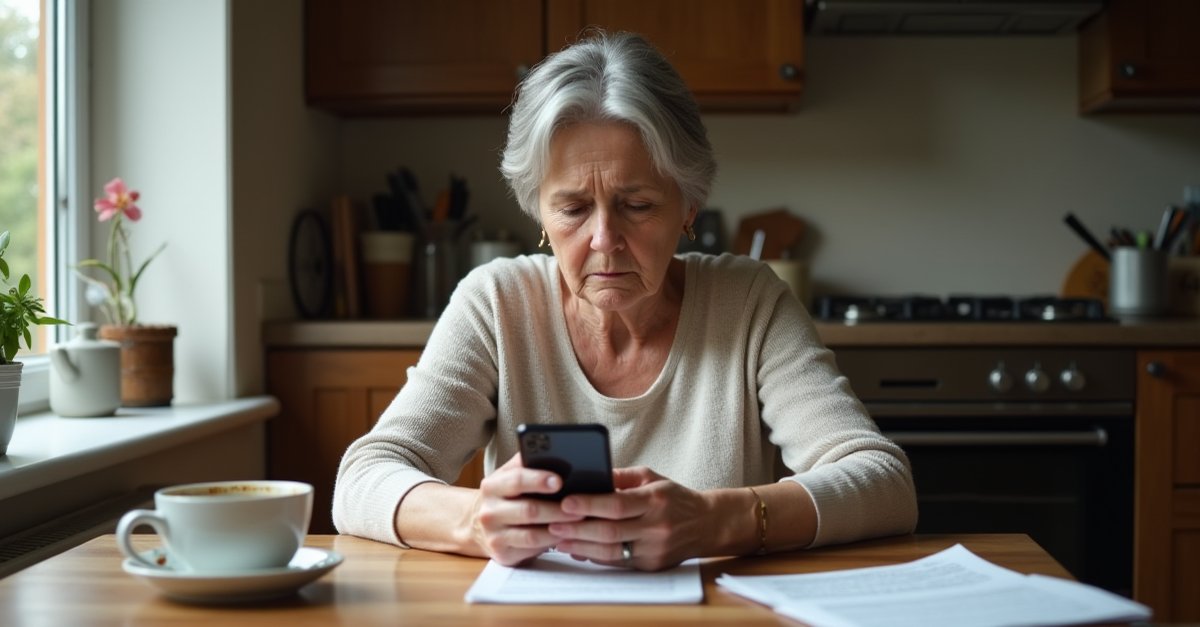
The Ofgem price cap for October gets announced at the end of this month. Without fail, scammers start sending fake rebate texts and emails before the news lands, and they keep going after. It happened ahead of every major price cap change since 2022. Action Fraud has an active alert for this specific scam. This year will be no different.
Separately, Which? reported a new social media scam on 29 July where ads on Facebook and Instagram look like standard app promotions for recognised names, but deliver something else entirely.
Two things to know about before the week gets any further.
1. The Fake Ofgem Energy Rebate
Comes as a text or email. The subject line on the emails is typically "Claim your bill rebate now" — that exact wording turned up in 752 reports to Action Fraud in just four days during a previous price cap cycle. The message says you're eligible for a payment, usually between £200 and £500, tied to the change in energy prices. It uses Ofgem's name, logo, and official colours. The deadline is tight: 24 hours, or before the end of the week.
Click the link and you land on a fake website asking for your bank details to pay the rebate in. Some versions ask you to set up a direct debit. Either way, there's no rebate — just your details going somewhere they shouldn't.
Ofgem does not contact individual customers. Not by text, not by email, not ever. Any genuine energy support payment comes through your supplier automatically. There is nothing to apply for, no form to fill in, and no bank details required to receive it. A countdown or deadline in a rebate message is always a pressure tactic.
If you get one: forward the text to 7726 or the email to report@phishing.gov.uk, then delete it.
2. Fake App Ads Leading to Unlicensed Casinos
Which? flagged this one at the end of July. Ads are running on Facebook and Instagram that look identical to standard app promotions for apps people already recognise and trust — Google Authenticator, Disney+, Duolingo, Airbnb. Tap through and you end up at an unlicensed online casino, not a legitimate app.
The problem isn't just losing money on a dodgy bet. The casino behind these ads is not registered with the Gambling Commission. That means UK consumer protections don't apply. If you deposit money, there is no regulated route to recovering it.
The sign something's wrong: the ad routes you somewhere other than the official app stores. Genuine apps are always installed through Google Play or the Apple App Store. If a social media ad is pointing you to install from a website or a third-party link, stop.
When in doubt, open your phone's app store and search for the app directly. Skip the ad entirely.
If You've Already Clicked or Installed Something
If you entered bank details on a fake rebate site, or installed something from one of these ads:
- Call your bank immediately. Use the number on the back of your card. Don't wait to see if anything happens first. Most UK banks have 24/7 fraud lines and the sooner you call, the more options they have.
- Change your passwords. Start with your email account, as that's usually the one attackers use to reset everything else.
- Delete any app you installed through a social media ad that didn't come from an official app store. If you gave the app permissions (contacts, camera, storage), revoke them first from your phone's settings, then uninstall.
- Run a full scan with Windows Defender or your antivirus on any device where you clicked through. See my post on whether you actually need antivirus for what I recommend.
How to Report Scams
- Scam text → forward to
7726(spells SPAM, free on all UK networks) - Scam email → forward to
report@phishing.gov.uk - Scam website → report at ncsc.gov.uk
- Fraud of any kind → Action Fraud on
0300 123 2040or actionfraud.police.uk
Reporting scam messages is worth the effort. The filters on mobile networks and the NCSC's email reporting service both work off volume. More reports means faster takedowns.
If you think your PC or phone has been compromised after clicking something you shouldn't have, I can help with a proper check. I handle virus and malware removal in St Helens and can make sure nothing got left behind during the install or through the browser.

Mark has been fixing computers since the late '90s and went self-employed in 2008. Based in St Helens since 2013, he works evenings and weekends from his home in Laffak — friendly, affordable repairs for PCs, laptops, and Macs. See reviews on Google
Think you've been scammed? Or had someone on your PC?
If you've let someone remote in, installed dodgy software, or just want your PC checked over — get in touch and I'll have a proper look.
★★★★★"Absolutely fantastic service from Local Computer Guy, I was unable to help my grandparents with their computer issues after an unfortunate issue with a scammer and potential virus being installed on their machine. After a quick call I knew they were in good hands. Arrived on time and quickly wiped the machine and made it safe, also helped investigate what had happened and helped my grandparents get using their computer again."
— Joe Gempton, via Google