Do You Actually Need a VPN?
I get asked about VPNs fairly often — usually by people who've seen a NordVPN or Surfshark advert on YouTube and aren't sure if they're missing something. Short answer: for most people at home, no. For some specific situations, yes. The ads are not going to tell you that, so here's the honest version.
What a VPN actually does
A VPN (Virtual Private Network) encrypts the traffic between your device and a server run by the VPN provider, then sends it on to the internet from there. Your internet provider sees encrypted data going to a VPN server — not the sites you're visiting. The websites you visit see a request coming from the VPN server's IP address in whatever country you chose, not your home IP.
That's it. It shifts who can see your traffic and makes it look like you're somewhere else. It doesn't do anything else.
What it doesn't do
This is the bit the adverts skip over.
A VPN doesn't make you anonymous. The VPN company can log everything you do. You're trusting them instead of your ISP — which may or may not be an improvement, depending on which company you choose. "No-logs" is a marketing claim that ranges from audited and verifiable (good) to completely unverified (worth nothing).
It doesn't protect you from malware, phishing, or downloading something dodgy. A virus travels through the encrypted tunnel just as happily as legitimate traffic. VPNs are not antivirus software.
It doesn't hide you from Google, Facebook, or any site you're logged into. They know who you are regardless of your IP address. Cookie tracking and browser fingerprinting work the same through a VPN.
And it usually makes your internet slightly slower. Your traffic has to route via an extra server. The difference ranges from barely noticeable to 20-30% depending on how far away the server is and how busy it is.

When a VPN is actually useful
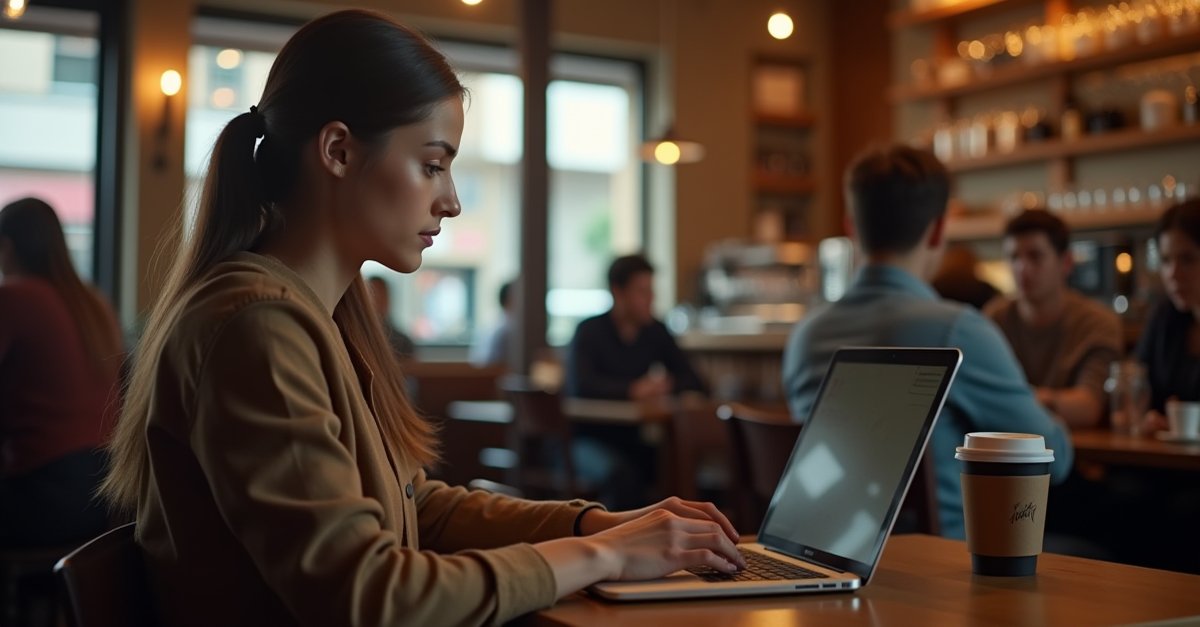
Public Wi-Fi. Coffee shops, airports, hotel lobbies, train stations — these are untrusted networks. Most modern web traffic is encrypted via HTTPS already, which handles the bulk of the risk, but a VPN adds another layer on top. If you travel a lot or regularly work from cafés, this is the strongest real-world argument for having one.
Streaming abroad. BBC iPlayer, ITVX, Channel 4 — all geo-blocked outside the UK. If you go abroad and want to watch something, a VPN lets you connect via a UK server and it works. This is, honestly, how most people who have a VPN actually use it.
ISP privacy. UK internet providers are required to keep browsing logs. If you'd rather they didn't have that data, a genuinely no-logs VPN keeps your traffic off their records. Niche, but some people care about it.
When you probably don't need one
Home broadband, sensible habits, not travelling abroad much. If you're paying £8-10/month and mostly forgetting to turn it on, save the money.
Which VPN — an honest take
Mullvad is what I'd recommend for anyone who actually cares about privacy, and they go further on anonymity than anyone else I know of. Signing up gets you a random account number. No email, no name, no phone, nothing. Every other big-name provider (NordVPN, Surfshark, ExpressVPN) wants an email at minimum, which ties your account to an identity from day one. Mullvad doesn't. Payment options include Monero and Bitcoin, and if you really want to leave no trail you can post bank notes to their office in Sweden with your account number written on the envelope. Pay in cash and there is genuinely no record connecting the account to you. In April 2023, Swedish police turned up at their Gothenburg data centre with a search warrant and left empty-handed, because Mullvad had no customer data to hand over. And the Cure53 audit in 2022 actually verified the no-logs claim independently, which matters because most "no-logs" marketing is just words on a website. €5/month flat, no tiered pricing, no upsells. It's slightly fiddlier to set up than the big-name options but the privacy credentials are the most verifiable I've seen.
ProtonVPN is worth considering if you want to try before paying. Their free tier is genuinely usable — no speed cap, just limited to five server locations. Paid plans start around £3.99/month. Swiss company, good track record.
NordVPN is everywhere on YouTube and it's not terrible, but it had a server breach in 2018 that they disclosed in 2019. They've made improvements since, but the "most secure VPN in the world" marketing deserves some scepticism.
Free VPNs: avoid. The service costs money to run. If you're not paying, something else is paying — usually your browsing data. Several high-profile free VPN apps have been caught selling user data, injecting adverts, or redirecting traffic. Not worth the risk.
Browser extension or desktop app?
Most VPN services offer a browser extension that only covers browser traffic. If you want all your traffic protected — background apps, other software, everything — use the desktop app. The extension is fine for "I just want to watch iPlayer abroad" but not for anything where you want full coverage.
Gaming
VPNs add latency. For anything competitive online, you'll feel it. If you must use one for gaming, pick the nearest server possible. But generally: VPN and competitive gaming don't mix well.
The actual security threats people encounter on home PCs — malware, phishing, ransomware — a VPN doesn't touch any of those. If you're dealing with something suspicious already on your machine, that's a different problem. My virus removal service in St Helens covers that side of things.

Mark has been fixing computers since the late '90s and went self-employed in 2008. Based in St Helens since 2013, he works evenings and weekends from his home in Laffak — friendly, affordable repairs for PCs, laptops, and Macs. See reviews on Google
Questions about staying safe online?
Whether it's VPNs, antivirus, or something suspicious on your PC — give me a ring or drop a message.
★★★★★"I was unable to help my grandparents after an unfortunate issue with a scammer and a potential virus on their machine. After a quick call I knew they were in good hands. Arrived on time, quickly wiped the machine and made it safe, and helped my grandparents get back up and running again."
— Joe Gempton, via Google