Getting Ready for the 2027 Landline Switch-Off — A Practical Checklist
The UK's old analogue phone network (the one your home phone has been plugged into since forever) is being switched off. Deadline: 31 January 2027. BT and Openreach have already moved over 3 million households onto the new digital service. The rest of us are next.
This isn't one of those "it'll probably get delayed" things. It's happening. If you've got a landline, here's a practical checklist.
Quick Recap
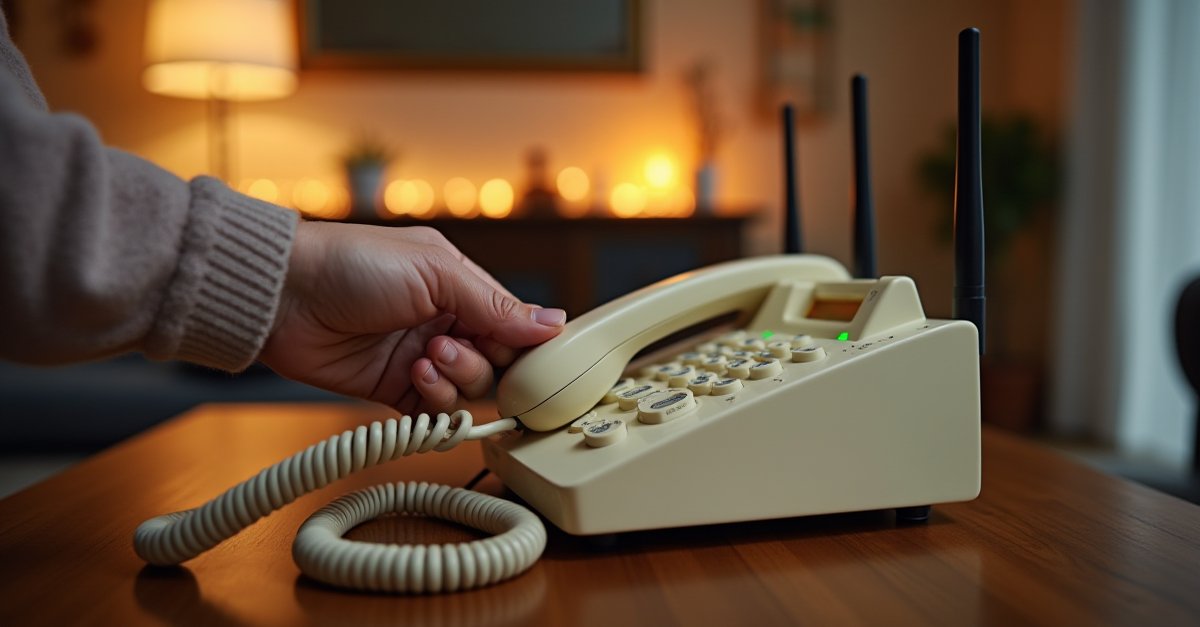
After the switch-off, phone calls no longer go through copper wires. They go through your broadband router instead, using Voice over IP (VoIP). Your provider calls this "Digital Voice" (BT), "Digital Home Phone" (Virgin), or similar.
For most people it just works. You keep your phone number. Handset sits where it always has. The differences:
- It plugs into your broadband router, not the wall socket
- If your broadband goes down, your phone doesn't work
- If the power goes off, your phone doesn't work (unless it has battery backup)
- Some older alarms, personal alarms and lifelines won't work with it
If you want the full background, I covered it in detail in the BT digital landline switch: what you need to know. This post is the practical "what do I actually do" follow-up.
The Checklist
Look at your phone. If it's plugged into the back of your broadband router, you're already digital. If it's plugged into a white or cream wall socket, you're still on the old network. BT has been migrating people since 2024, and some St Helens households switched a while ago without realising.
Not always the same as your broadband provider. Check the last bill. BT, Sky, Virgin, TalkTalk, Vodafone, Plusnet and EE are the main ones. That's who will contact you, or who you need to contact, about the switch.
You need a broadband connection for Digital Voice to work. If you haven't got broadband at home, your provider will have to install some when they switch you, usually free of charge, but the exact setup varies by provider. If your current broadband is very slow or unreliable, now's a good time to look at upgrading.
Most cordless and corded phones plug straight into the new router's phone port. Good news: you probably don't need a new phone. Exceptions:
- Very old rotary-dial phones may not work
- Some fax machines, PDQ card readers, and old intercom systems won't
- Phones designed for non-UK networks may have issues
This is the biggest issue for elderly relatives, and the one that gets missed most. Personal alarms (Lifeline, Careline, Helpline), telecare pendants, fall detectors, monitored burglar alarms and some medical equipment use the old phone line to call for help.
The old phone network powered itself, so your phone worked even when the lights were out. Digital Voice doesn't. No mains power = no router = no phone.
BT and Openreach offer free battery backup units (usually ~1 hour of emergency calls) to customers with no mobile signal at home, or anyone classed as vulnerable. If that's you, ask for one when they call. For everyone else, the answer is simple: keep a charged mobile phone handy as your backup.
In almost all cases, your existing phone number moves to the new service automatically. You don't need to do anything. But if you've got a memorable old number that matters to you, confirm with your provider before the install that they're keeping it.
Scammers are already using the switchover as a pretext. "This is BT, your landline is being switched off on Monday unless you pay a fee" is a call I've heard about from several customers. Your provider will not charge you to upgrade, will not pressure you, and will not call out of the blue demanding payment. See my scam alert post for what to do if you get a dodgy call.
What If I Don't Have (or Want) Broadband?
You don't need broadband to keep a phone, but you do need something. The main options:
- Let your provider install basic broadband just to run the phone service. Usually free. You don't have to use the broadband for anything else.
- Drop the landline entirely and rely on mobile. Fine if you've got good signal and are comfortable with mobile. Keep in mind mobile needs power too.
- 4G/5G home phone. Some providers now offer handsets that work off the mobile network directly, with no broadband needed. Useful in rural areas with patchy broadband but good mobile signal.
The Timeline
Migrations are well under way. Openreach restarted large-scale rollout in early 2025, and by spring 2026 the pace picked up significantly. If you haven't been contacted yet, expect a letter or call in the coming months. Last batch goes through second half of 2026 and early January 2027.
I covered the full background in the BT digital landline switch: what you need to know.
If the new router and phone have left you with a PC that suddenly won't connect, or you want the whole setup checked over for an elderly relative, I can sort it in person. I'm based in St Helens and do home visits and drop-offs.

Mark has been fixing computers since the late '90s and went self-employed in 2008. Based in St Helens since 2013, he works evenings and weekends from his home in Laffak — friendly, affordable repairs for PCs, laptops, and Macs. See reviews on Google
Need help setting it up?
If your landline has just been switched and nothing's working right, or you want someone to set it up for an elderly relative — get in touch and I'll sort it.
★★★★★"Absolutley fantastic service. Extremely polite and did the job needed! All fixed and ready for use again! 100% recommend"
— Kelly Davies, via Google