The BT Digital Landline Switch: What's Changing and How to Get Ready
If you've got a landline (and most households in St Helens still do), it's changing. The whole UK is being moved off the old analogue phone network and onto a digital one, and the old network shuts down for good on 31 January 2027. Over 3 million homes had already been moved by the spring, and the rest are being worked through now.
For most people it happens with very little fuss. For some, particularly older residents, anyone with a pendant or medical alarm, and homes without broadband, it can cause real problems if nobody checks first. This post covers what's actually changing, then gives you a checklist to work through before your turn comes.
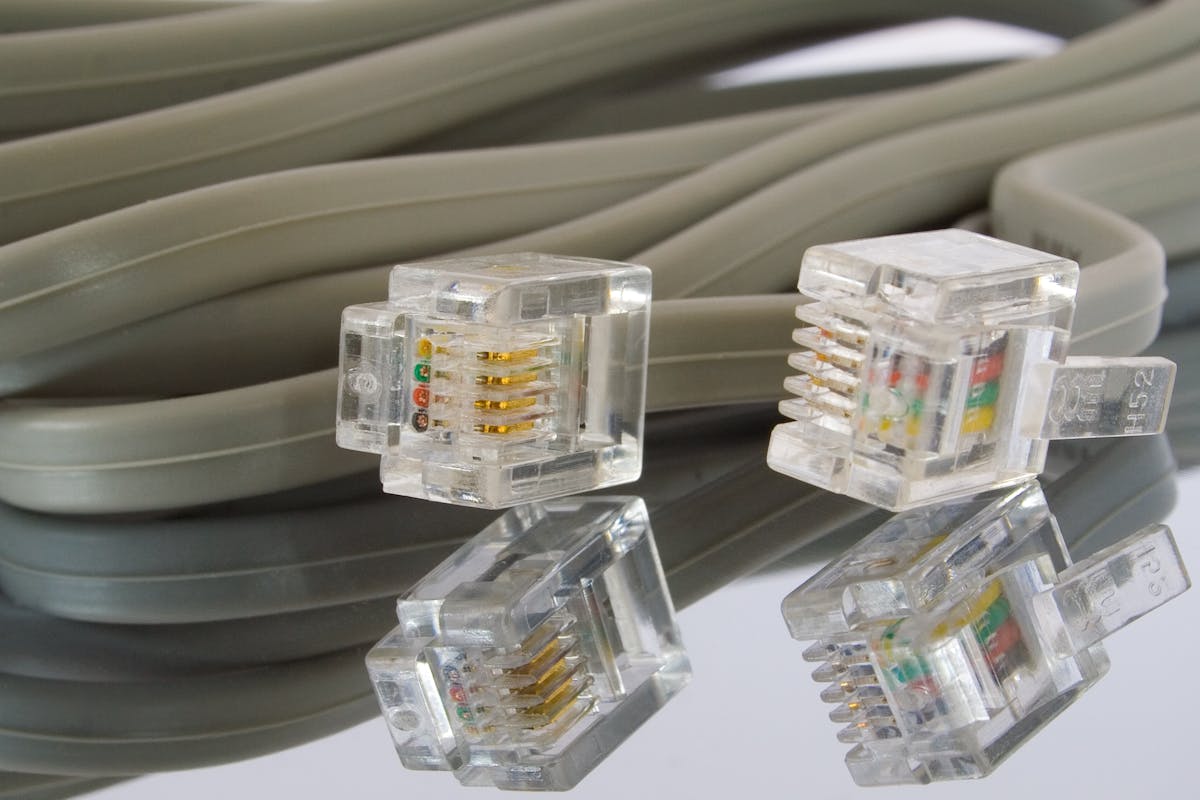
What's Actually Changing?
Right now, an analogue landline runs over copper wires that have been in the ground since the days of the GPO. The phone plugs into a socket in the wall and works independently of your broadband, your electricity and everything else in the house.
The new service sends your calls over your broadband connection instead. It's VoIP (Voice over Internet Protocol), the same idea behind WhatsApp calls. BT calls it Digital Voice, Virgin calls it Digital Home Phone, and Sky, TalkTalk, Vodafone and the rest have their own names for the same thing.
Analogue (old)
- Calls go over copper phone line
- Works independently of broadband
- Works during power cuts
- Same technology since the 1980s
- Phone plugs into wall socket
Digital Voice (new)
- Calls go over broadband
- Requires working broadband
- Needs mains power to work
- Better call quality (HD voice)
- Phone plugs into router
In practice, your phone plugs into the back of your broadband router (or a small adapter your provider sends) instead of the wall socket. You keep your number. You dial and answer the same way. Call quality is usually a bit better. If you're with BT and already have broadband, setup is plugging the phone in and following a couple of prompts on the hub. Ten minutes, roughly.
The Timeline
If you still haven't heard anything by now, you will soon. We're into the final few months and the remaining batches are being worked through quickly.
The Problems You Need to Know About
1. It doesn't work in power cuts
This is the big one. The old phone line powered itself, so your phone kept working when the lights went out. Digital Voice needs the router switched on. No mains power, no router, no phone.
BT and Openreach offer free battery backup units to anyone classed as vulnerable or with no mobile signal at home. They give you roughly an hour of emergency calls. After that you're relying on your mobile, which is fine with decent signal and not so fine without. Parts of Billinge, Bold and the more rural edges of the borough have patchy coverage. If that's you and you rely on your landline, ask for the backup unit when your provider gets in touch.
2. No broadband, no landline
Digital Voice needs a broadband connection. Providers have said they won't leave landline-only customers without a working phone, and the usual answer is a basic broadband line installed just to run it. That's often free, though the details vary by provider. You don't have to use the broadband for anything else.
It's also a fair moment to ask whether you need the landline at all. If you only keep it for the odd call or emergencies, a mobile on a cheap plan might do the job. Some providers also sell 4G home phones that run off the mobile network with no broadband needed, which suits places where broadband is poor but mobile signal is good.
3. Flaky broadband means a flaky phone
If your internet drops out regularly, your phone will drop out with it after the switch. If you're having broadband issues in St Helens, get them sorted before your landline depends on it.
Alarms, Pendants and Telecare: Check These First
This is the part that worries me most, and the one that gets missed. Personal alarms (Lifeline, Careline and the like), telecare pendants, fall detectors, monitored burglar alarms and some medical equipment were built to dial out over the old analogue line. Some won't work on Digital Voice without an upgrade or replacement.
Don't rely on your phone provider to catch this either. They may have no idea what's plugged into the line. Ofcom has already warned BT over vulnerable customers being switched without proper checks on their telecare. If you've got a parent in Haydock, Newton-le-Willows or anywhere else nearby who relies on one of these, make the call for them.
Your Switchover Checklist
Follow the cable from your phone. If it goes into the back of your broadband router, you're already digital and there's nothing more to do. If it goes into a white or cream wall socket, you're still on the old network. Some St Helens households were moved a while ago without realising.
It isn't always the same company as your broadband. Check the last bill. That's who will contact you, and who to ring with questions.
If anything in the house calls for help over the phone line, see the section above. Do this one first.
Most corded and cordless phones plug straight into the router's phone port, so you probably don't need a new one. The exceptions:
- Very old rotary-dial phones may not work
- Fax machines, PDQ card readers and old intercom systems often won't
- Phones made for non-UK networks can have issues
Keep a charged mobile somewhere you can find it in the dark. If your mobile signal is poor or you're classed as vulnerable, ask for the battery backup unit.
Your number transfers automatically in almost every case. If it's an old number that matters to you, ask the provider to confirm before the install anyway.
Scammers are using the switchover as cover. "This is BT, your landline is being switched off on Monday unless you pay a fee" is a call several customers have told me about. Your provider won't charge you to move, won't pressure you, and won't ring out of the blue demanding payment. My scam alert post covers what to do if you get one.
For the official detail, BT's Digital Voice rollout update has the figures, and Which? explains your rights clearly if you're unhappy with how your provider is handling it.
If the new router has left a PC or laptop that suddenly won't connect, or you'd like the whole setup checked over for an elderly relative, I can sort it in person. I'm based in St Helens and do home visits and drop-offs.

Mark has been fixing computers since the late '90s and went self-employed in 2008. Based in St Helens since 2013, he works evenings and weekends from his home in Laffak, doing friendly, affordable repairs for PCs, laptops, and Macs. See reviews on Google
Not sure how the digital switch affects you?
Need the new adapter setting up, or not sure your broadband and other devices will cope with the switch? If you're in St Helens or nearby, get in touch and I'll sort it.
★★★★★"We had an issue with an unstable network and server in our office. After getting several quotes for someone to come out and look, Mark was the cheapest. He turned up, acted professionally, and diagnosed the problem straight away. Mark advised we needed to replace our network switch, and quoted us a decent price for a replacement! All in all, brilliant professional service at the right price! Cheers Mark!"
— Eddie Whiteley, via Google